
– Measure Response of a Plugin at its Default Stage
1) Record Pure White Noise to an Audio Track (Stereo or Mono)
– be Sure that No Reverb, Reference Monitoring etc. is in the Loopback Recorded Signal
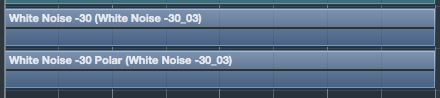
2) Make a Copy of the White Noise but Activate Polarity Switch for that Copy in Channel Settings
– Now it should be Silence

– you can also use Dualism Plugin and Flip Polarity of both Channels together by Pressing “Link” Icon

3) Again, it should be Silence or there is Still a Difference Going On (e.g. Reverb, Loopback Noise, Not Same Signal or so)
4) Now Insert an Analyzer into the Main Mix (Master Out) Slot Insert
– or use any External Analyzer Software such as Flux Analyzer etc.
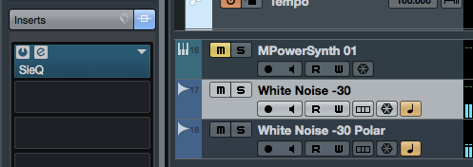
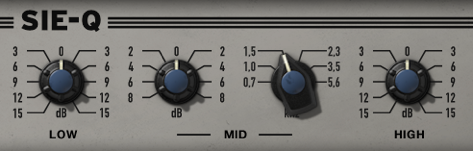
5) Insert the Plugins you Want to Measure / Test into any of the 2 Available White Noise Tracks
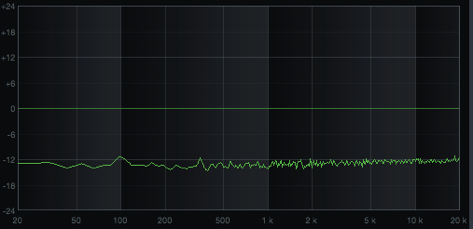
6) Play Project and you Clearly See & Hear if there is any Difference
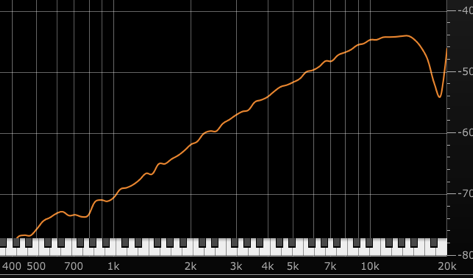
7) Bypass the White Noise Difference Sound by Simply Set to an Other Monitor but De-Activate the Speaker
Leave a Reply